

What Is Coding Doing in the Ontario Math Curriculum?
 November 10, 2026
-
 6 Min
It's Not Computer Science — It's Math, Taught a New Way
If your child has come home talking about coding in math class, you are not imagining it — and no, math has not turned into computer science. Since the 2020 revision of Ontario's Grades 1–8 mathematics curriculum, coding is a strand of math itself, alongside number sense, algebra, data, spatial sense, and financial literacy. Your child is not learning to become a programmer. They are learning to think in steps, spot patterns, and test ideas — and a little bit of code is the tool that makes that thinking visible.
1. Coding became part of Ontario math in 2020
In June 2020, Ontario released a revised mathematics curriculum for Grades 1 to 8, and coding appeared as its own strand for the first time. It was not an add-on or an optional extra: the curriculum expects students in every grade to read, alter, and create simple code as part of learning math. The idea behind it is straightforward. Coding gives students a way to explore mathematical ideas by building something that runs — a pattern that grows, a shape that draws itself, a game with a scoring rule. When the code works, the math underneath it is working too.
2. What "coding" actually means in a math lesson
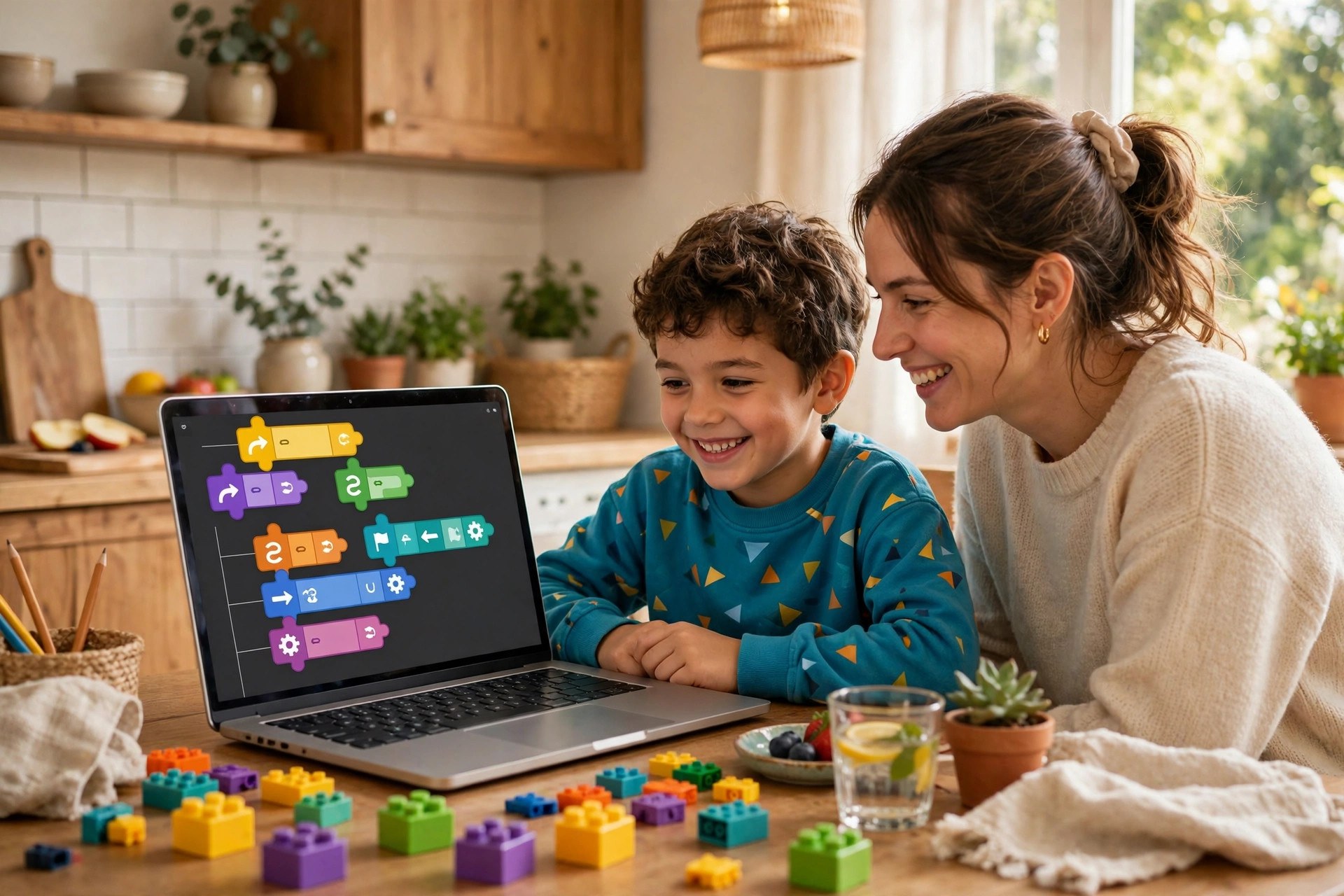
In elementary math, coding is not typing lines of text into a black screen. Most classrooms use block-based tools — free programs like Scratch, where students snap together colour-coded blocks that say things like "move 10 steps" or "repeat 4 times." The coding concepts are the same ones a programmer uses, just at a child's scale: sequences (instructions in order), loops (repeat something), conditional statements (if this, then that), and variables (a number or value that can change). A Grade 4 student might write code that draws a square by repeating "move forward, turn 90 degrees" four times. That is a loop — and it is also geometry.
3. What it looks like, grade by grade
In Grades 1 to 3, coding is mostly about sequences and patterns: giving a character step-by-step directions to reach a target, or spotting the repeating part of a pattern. In Grades 4 to 6, students add loops and conditional statements, and they start debugging — finding and fixing the step that went wrong. By Grades 7 and 8, code is used to model the math they are already learning: a variable stands for the term number in a pattern, and code can test whether a rule like y = 3(x) + 1 really produces the pattern on the page. Coding continues into the de-streamed Grade 9 math course (MTH1W), and the Grade 9 EQAO math assessment is built on that same course, with testing windows January 12 to February 5 and June 8 to 30, 2027.
4. Why math teachers actually like it
Teachers like coding in math for a simple reason: it makes abstract ideas visible. A pattern rule written as y = 2(x) + 1 is easy to memorize and easy to misunderstand. The same rule turned into code — a program that draws the pattern, term by term — shows immediately whether the rule is right. If the picture is wrong, the thinking was wrong somewhere, and the student can see exactly where. Debugging is also just checking your work under a different name: find the step that does not belong, fix it, and run it again. And a loop is repeated addition made visible — four turns of 90 degrees is 360, and a child who coded that square will never forget it.
5. "But my child isn't a computer kid"
This is the worry I hear most, and it is the one parents can set aside. No prior experience is expected — the curriculum starts from zero, and teachers teach the coding inside the math lesson, not as a separate subject your child is supposed to already know. A child who has never touched a computer can still write a sequence on paper, act it out with a classmate, and then see it run on screen. Mistakes are part of the design: a program that does not work is not a failure, it is the lesson. And if screen time worries you, remember this is class time with a purpose, not extra homework on a device — most coding work happens in the lesson itself.
6. How to help at home (no computer experience needed)
You do not need to learn to code to support your child — you just need to ask the right questions. When they show you a program, ask "What happens if you change that number?" — that is a lesson in variables. Try an unplugged activity: ask your child to write step-by-step instructions for making a sandwich, then follow them exactly as written. When the instructions say "put the peanut butter on the bread" without saying to open the jar first, they have just discovered why precise sequences matter. Scratch is free at scratch.mit.edu if your child wants to tinker at home.
7. How tutoring can help
Coding in math class can expose a gap that was already there: a student who struggles to describe a pattern in words will struggle to code it too, and a student who is shaky on variables will find the coding strand confusing for reasons that have nothing to do with computers. An Ontario-certified teacher can find out in one session whether the sticking point is the code or the math underneath it — then work on exactly that: pattern rules, variables, and the step-by-step thinking that both algebra and coding are built on.
Coding is not taking over math class — it is giving your child one more way to see the math that was already there. If your child comes home excited about a program they built, ask them to show you how it works. And if they come home frustrated, remember that frustration is usually the math underneath, not the code — and that is very fixable.
Try a Free Session
The best way to see if tutoring is right for your child is to try it. Book a free trial session with one of our Ontario-certified teachers — online or in person in Brampton — and get an honest sense of where your child stands and what would help most.
Prefer to talk first? Call (647) 624-8393 or message us on WhatsApp.